Category: Intune
-

Secure Score in Microsoft 365 with Business Premium: Quick and easy changes to up your score by ~40% (+ Powershell script for Teams and Exchange Online)
Trying to increase the secure score in Microsoft 365 can be a real time consuming task when adjusting each recommendation manually. Luckily, there are some really easy changes you can make to take your tenant security to the next level and also increase your secure score. I also decided to utilize the power of Powershell…
-
The Complete Lifecycle of SharePoint Sync in Intune: Add it, Accelerate the sync from Intune, Remove it- and How It Compares to ‘Add Shortcut to OneDrive’
The Sharepoint sync has been a hot topic for quite some time. It’s bulky, slow and yet a lot of users and organizations still request it and wants to use it. Today we’ll briefly go over the pros and cons of sync vs shortcut in OneDrive. If you still choose to go for the Sharepoint…
-

Configure a custom message on the Login screen in Intune (for Windows and MacOS)
I recently configured a platform for MacOS in Intune with a bunch of standard policies. One of them was a nice login window banner setting in a Device features policy. On Mac we have this nice feature that makes it possible display a custom banner on the login screen (for example Company name and a…
-
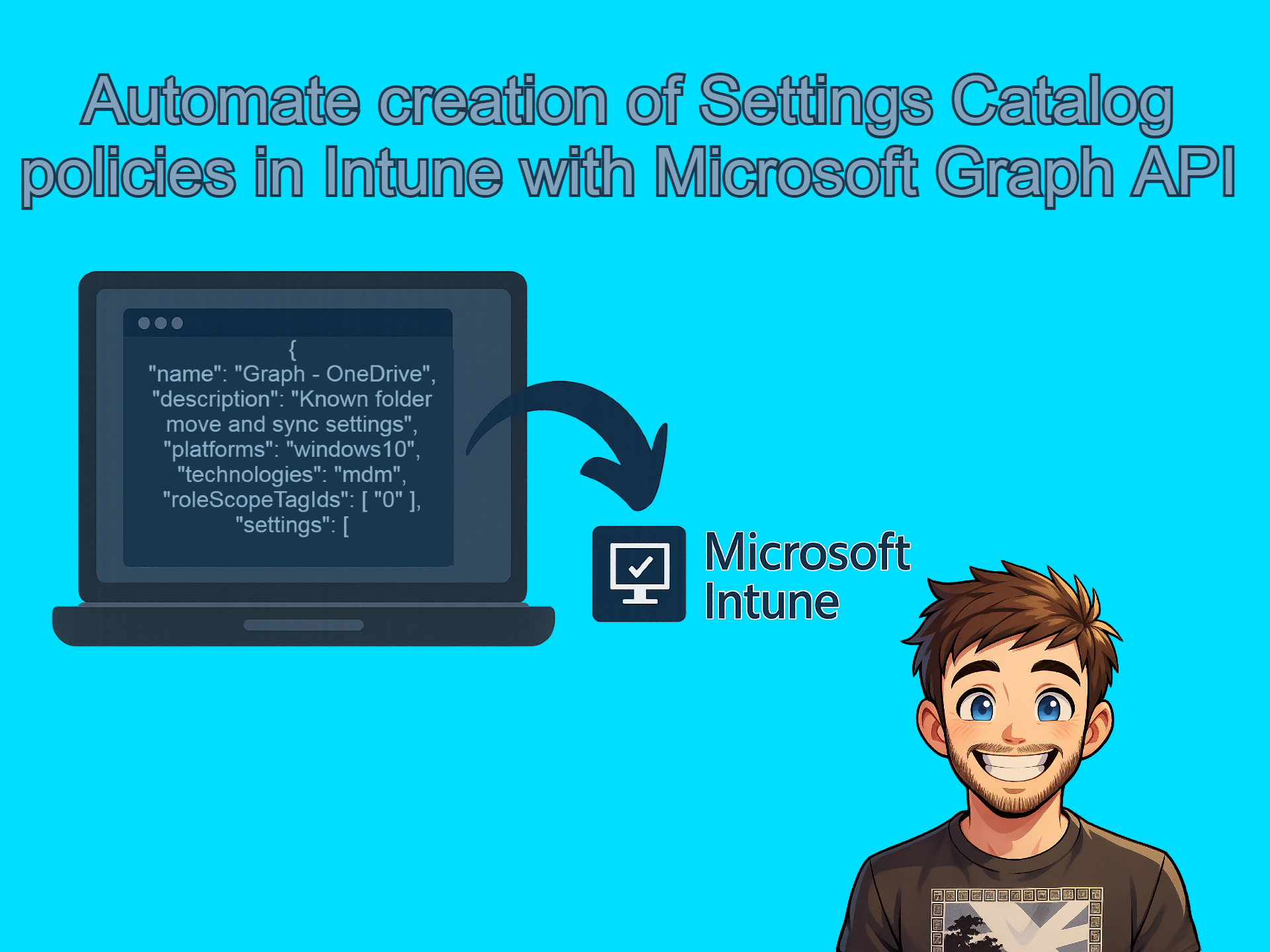
Automate creation of Settings Catalog policies in Intune with Microsoft Graph API
I have been getting really into the using the Graph API lately and let me tell you, once you open that door there is no going back. Below is what we’ll be covering in today’s post. Creating the reference policy in Intune In order to get the JSON file that we need to automate the…
-

Setting up and trying the new Windows Backup for Organizations in Intune (with video) and how to make it a more “complete” backup solution.
Recently the Windows Backup and Restore (preview) showed up in preview in the Intune portal. When I first heard about it I was like “This is really cool!” and then when I understood what it actually was I was like “Hmm… is this just crap?” and then I thought about it some more and went…
-
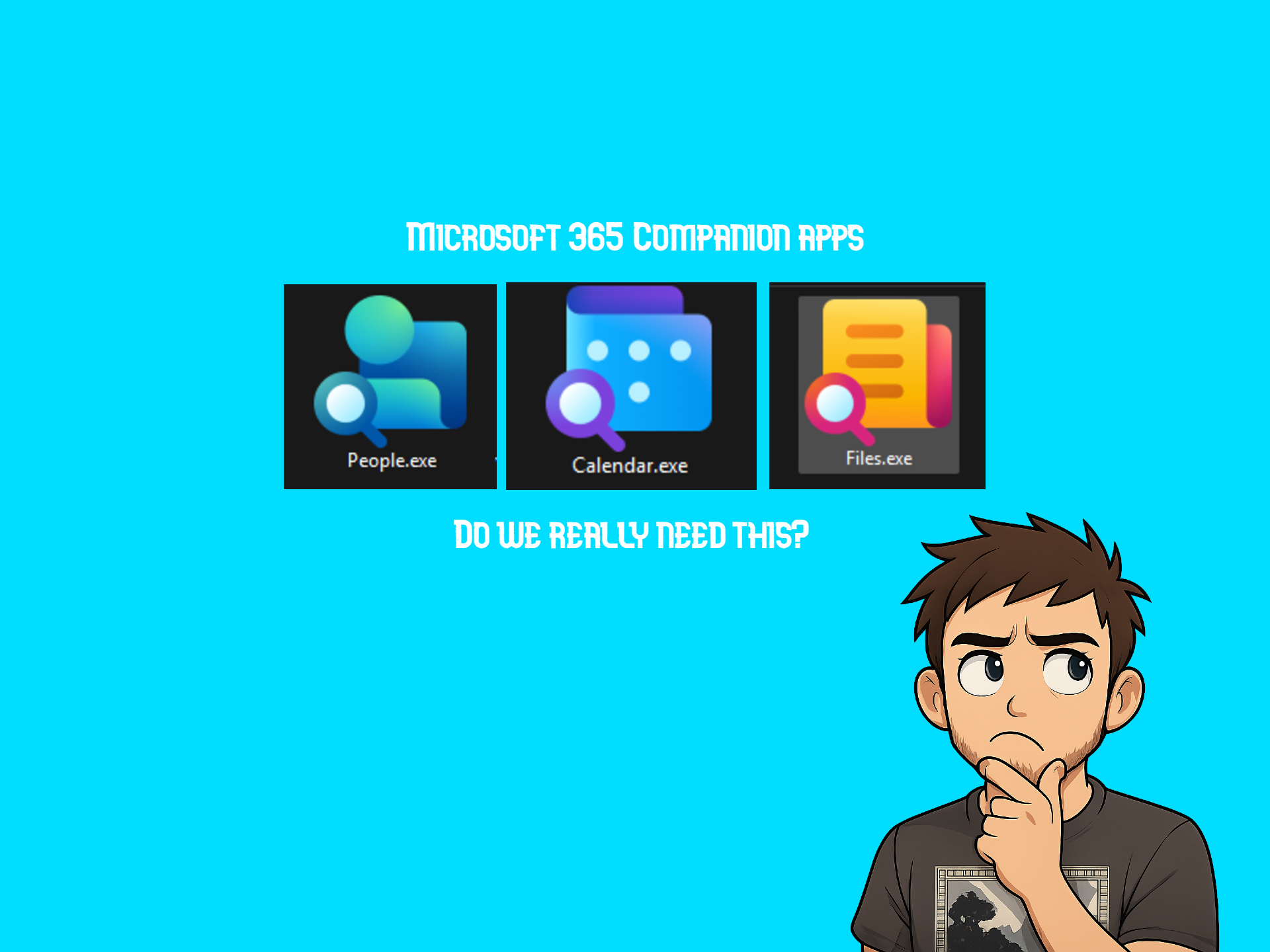
Microsoft 365 Companion Apps – People, File Search and Calender. How to remove them and why we need them (or why we don’t?)
If you, like me, is on the Current Channel (preview) update channel of the Microsoft 365 apps update channel you might have seen three new apps pop-up in your taskbar when you start your computer lately. These are known as Companion Apps. These are light weight apps based on Microsoft Graph and according to Microsoft…
-
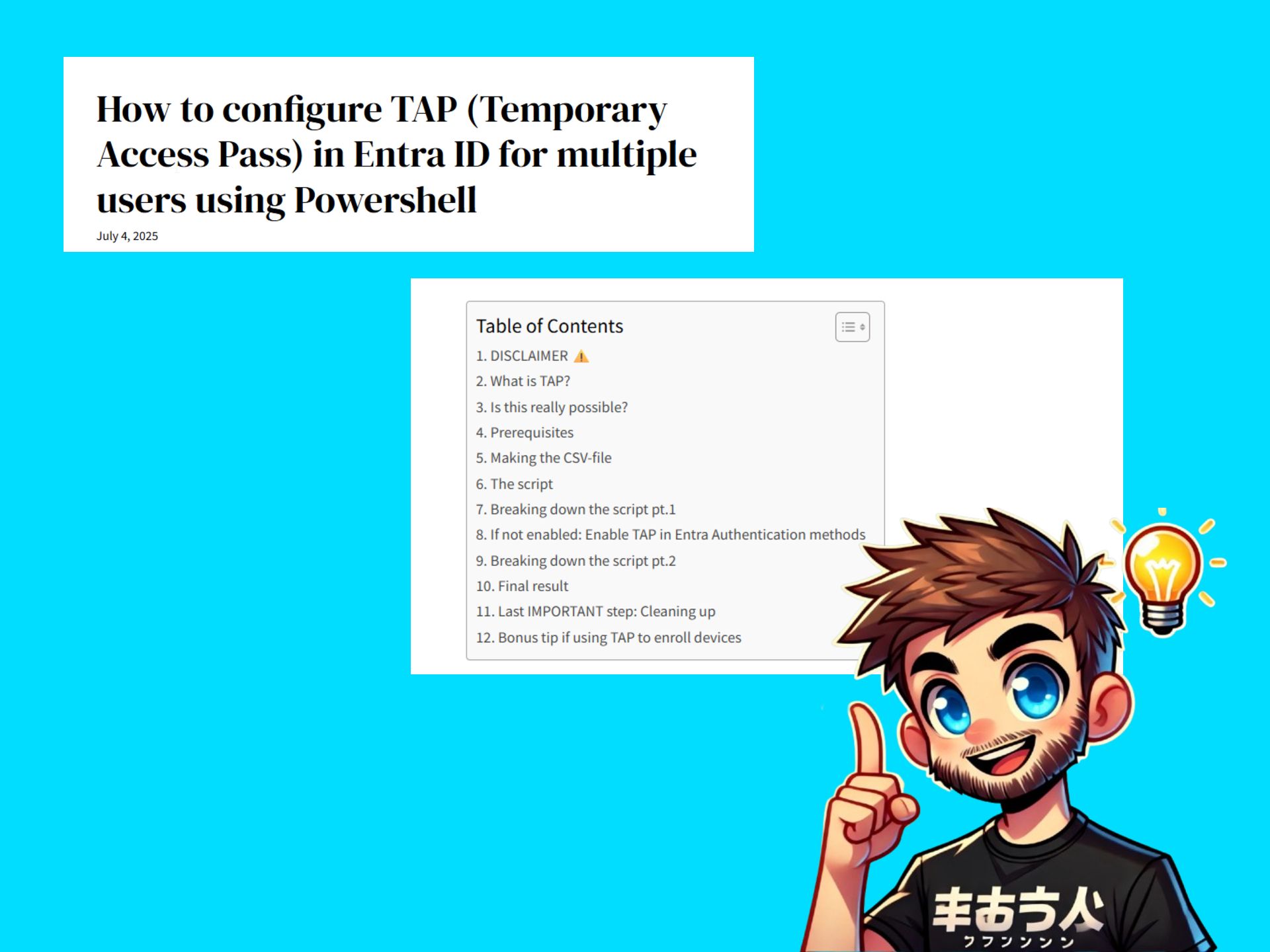
How to configure TAP (Temporary Access Pass) in Entra ID for multiple users using Powershell
TAP is a great feature to use for recovering accounts that have lost access to their MFA token, for onboarding new users to Autopilot or enrolling devices in Intune or perhaps to setup strong authentication like Yubikeys. However in Azure when assigning TAP you can only do it for one user at a time which…
-
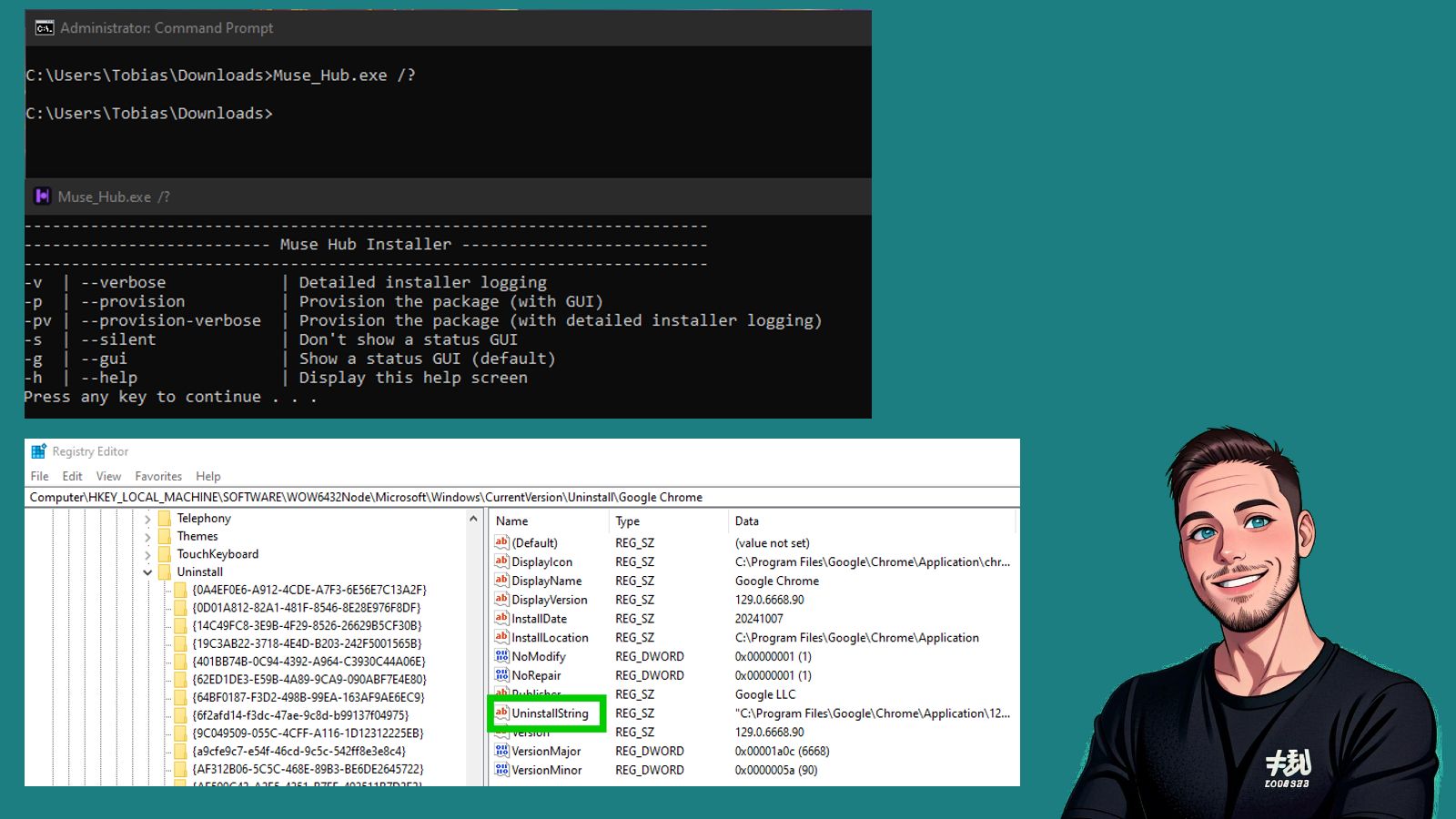
Finding install/uninstall commands for .exe apps for Win32 packaging in Intune
DISCLAIMER: THIS WAS ORIGINALLY A LINKEDIN POST HENCE THE STRUCTURE OF THE POST Using Win32 packaging is a smooth and efficient way to package and push out .exe applications to Windows clients via Intune. However, Intune requires two important strings:InstallCommand and UninstallCommand. These commands can be found in different ways — sometimes on the vendor’s…
-
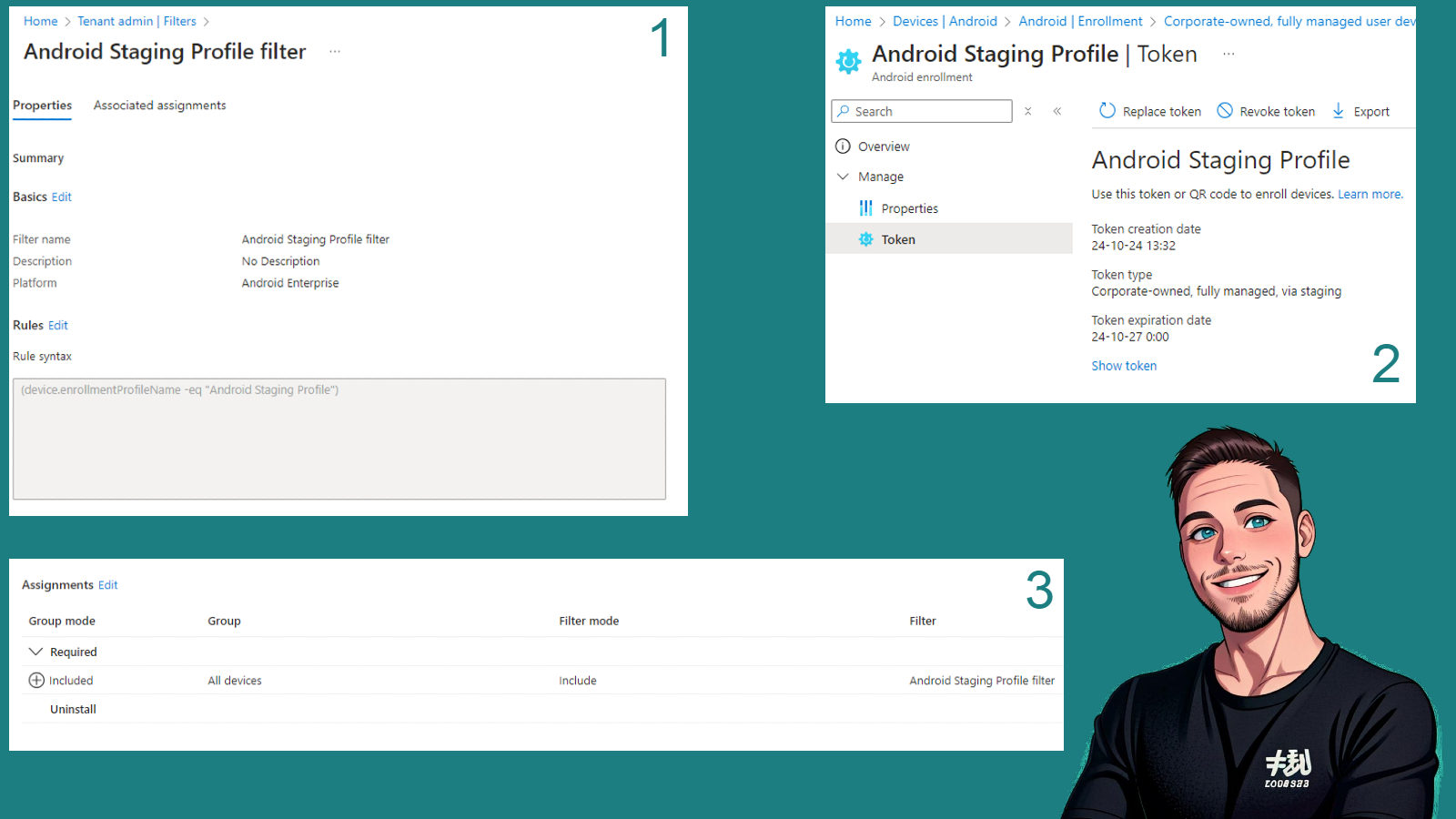
A quick look on Staging Profiles for Android in Intune
DISCLAIMER: THIS WAS ORIGINALLY A LINKEDIN POST HENCE THE STRUCTURE OF THE POST A couple of months ago, Staging Profiles were introduced in Intune — an incredibly smooth way to enroll Android devices without assigning them to a specific user, simply by scanning a QR code from the device’s setup screen 🪄 Below is a…
-
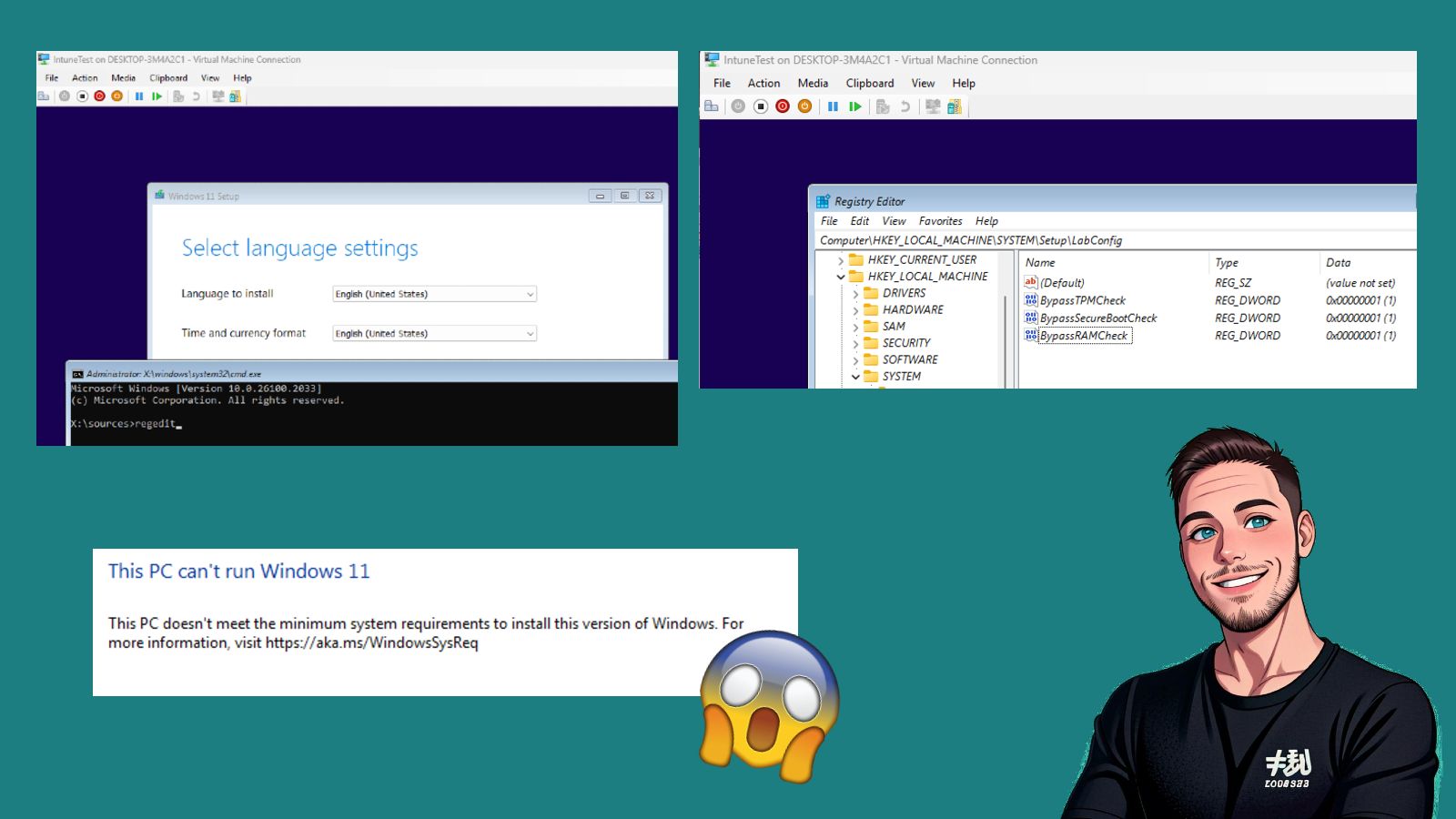
Windows 11 VM for Intune testing – Let’s bypass EVERYTHING!
DISCLAIMER: THIS WAS ORIGINALLY A LINKEDIN POST HENCE THE STRUCTURE OF THE POST I often use a VM in Hyper-V when I need to test things in Intune and don’t have a physical test device nearby — it’s incredibly convenient! However, there are some challenges when running Windows 11 in Hyper-V, since Windows 11 requires…