Category: Microsoft 365
-

Run Multiple InPrivate Sessions in Microsoft Edge Using Profiles – Manage Multiple Microsoft 365 Environments in One Browser!
If you are like me and work with a bunch of customers in different tenants all day you probably utilize InPrivate/Incognito mode a lot to sign into different customers environments to avoid caching their GA credentials in your browser. When I started working in Microsoft 365 and Intune I would have 3 or 4 browsers…
-

Secure Score in Microsoft 365 with Business Premium: Quick and easy changes to up your score by ~40% (+ Powershell script for Teams and Exchange Online)
Trying to increase the secure score in Microsoft 365 can be a real time consuming task when adjusting each recommendation manually. Luckily, there are some really easy changes you can make to take your tenant security to the next level and also increase your secure score. I also decided to utilize the power of Powershell…
-
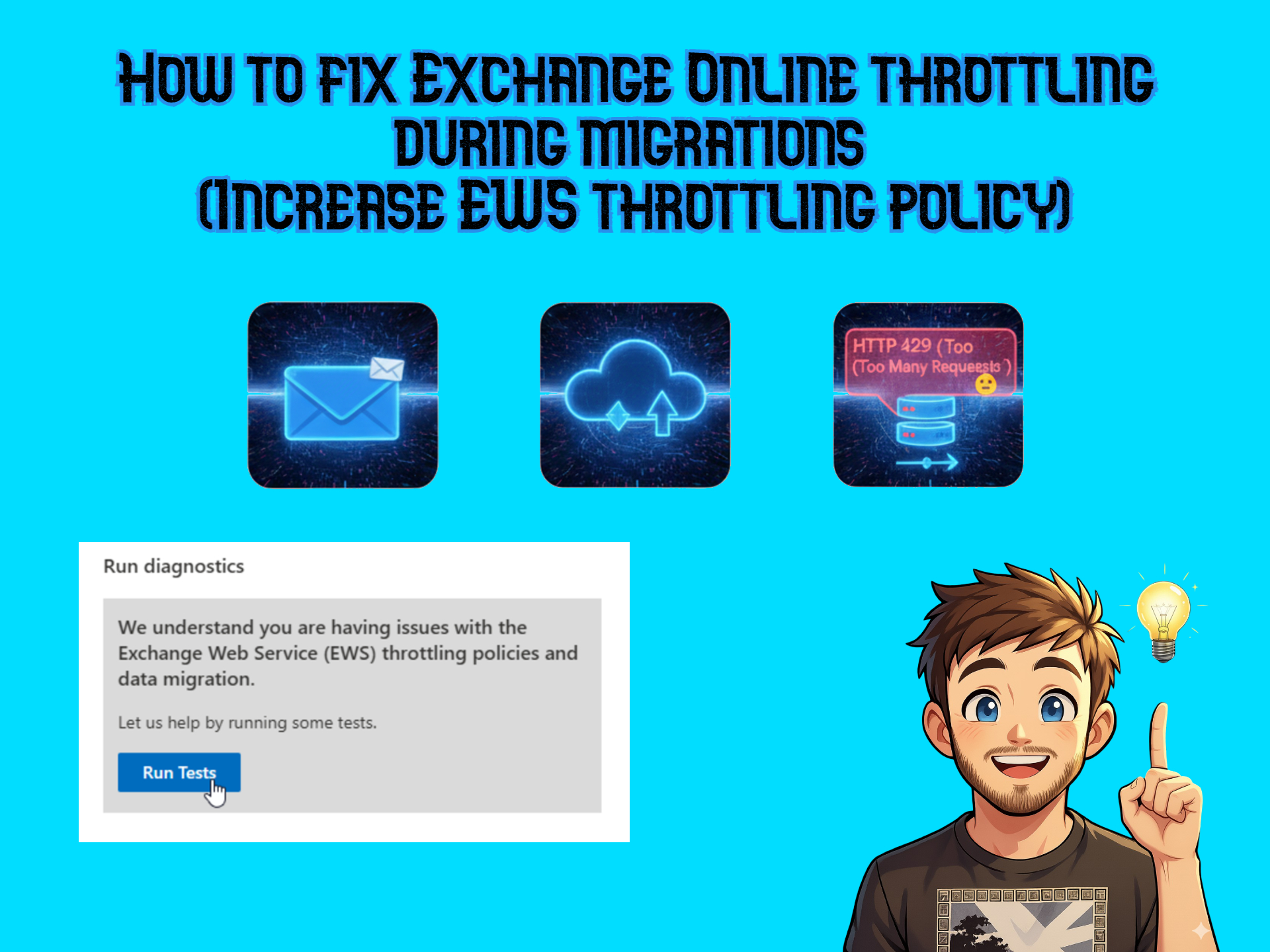
How to fix Exchange Online throttling during migrations (Increase EWS throttling policy)
When utilizing third-party migration tools like BitTitan MigrationWiz or Avepoint Fly to migrate mailboxes to or from Exchange Online it’s pretty common that the EWS (Exchange Web Services) APIs are throttled. If you get error messages like “HTTP 429 (“Too Many Requests”) or “Server too busy” it’s likely that the API is throttled. There is…
-
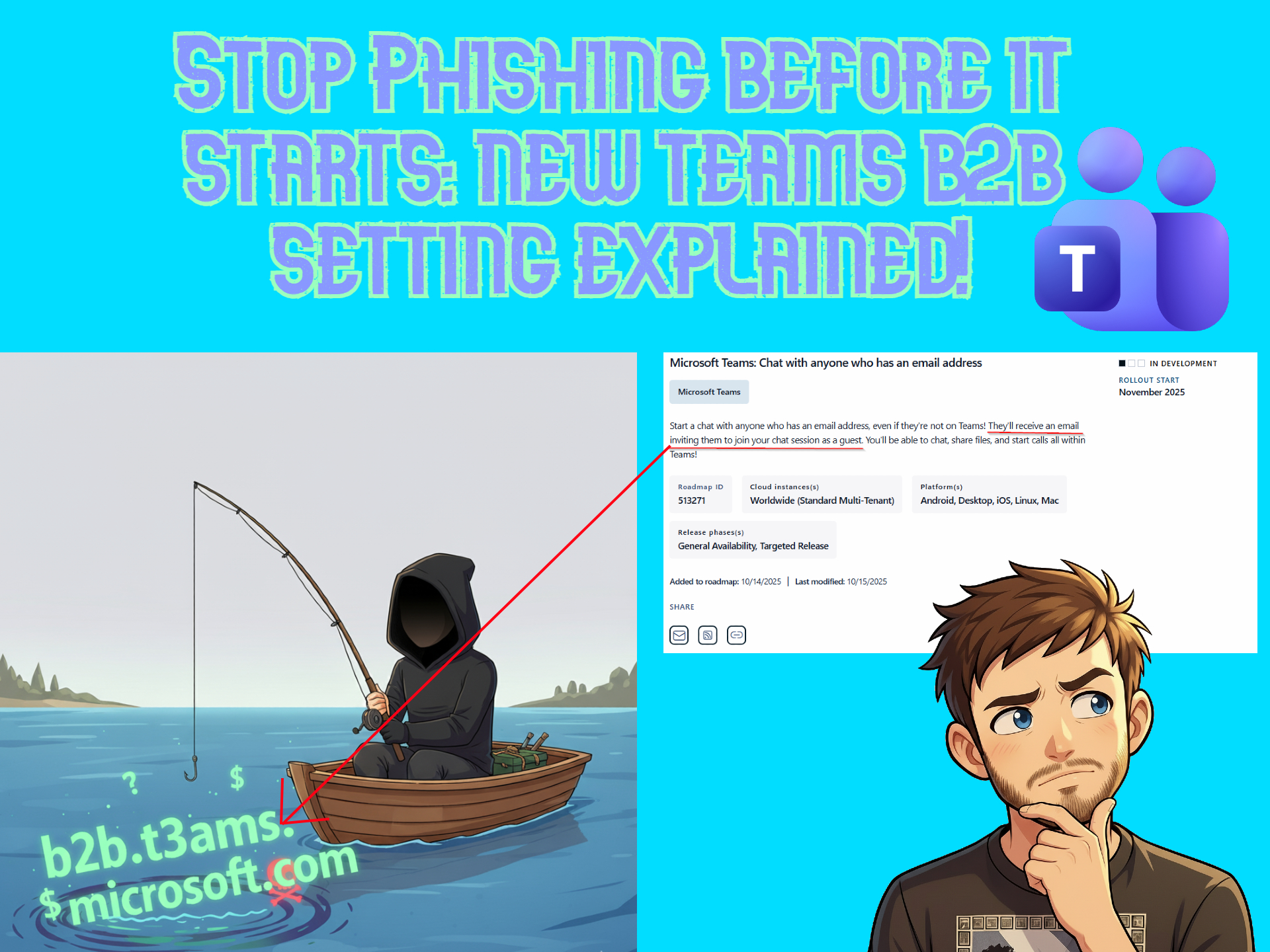
Teams B2B Chat Invite without Teams account: Configure Safely or Risk Phishing!
So, I saw this post on LinkedIn that mentioned a new setting rolling out for Microsoft Teams any day now (Targeted release for now, General availability is in January 2026). I decided to dive deep into this new setting and external identity management in Teams and Entra so you don’t have to. I also created…
-
Two different ways to pre-provision OneDrive for users in Microsoft 365 using Powershell.
Prerequisites Different ways to provision OneDrive for new users When a new user is created their OneDrive isn’t automatically created. In order for OneDrive to be provisioned one of the following thing needs to happen: Why are we using both SPOnline and Graph? As many of you are aware of, Microsoft is clearly leaning towards…
-

Microsoft 365 Companion Apps – People, File Search and Calender. How to remove them and why we need them (or why we don’t?)
If you, like me, is on the Current Channel (preview) update channel of the Microsoft 365 apps update channel you might have seen three new apps pop-up in your taskbar when you start your computer lately. These are known as Companion Apps. These are light weight apps based on Microsoft Graph and according to Microsoft…
-
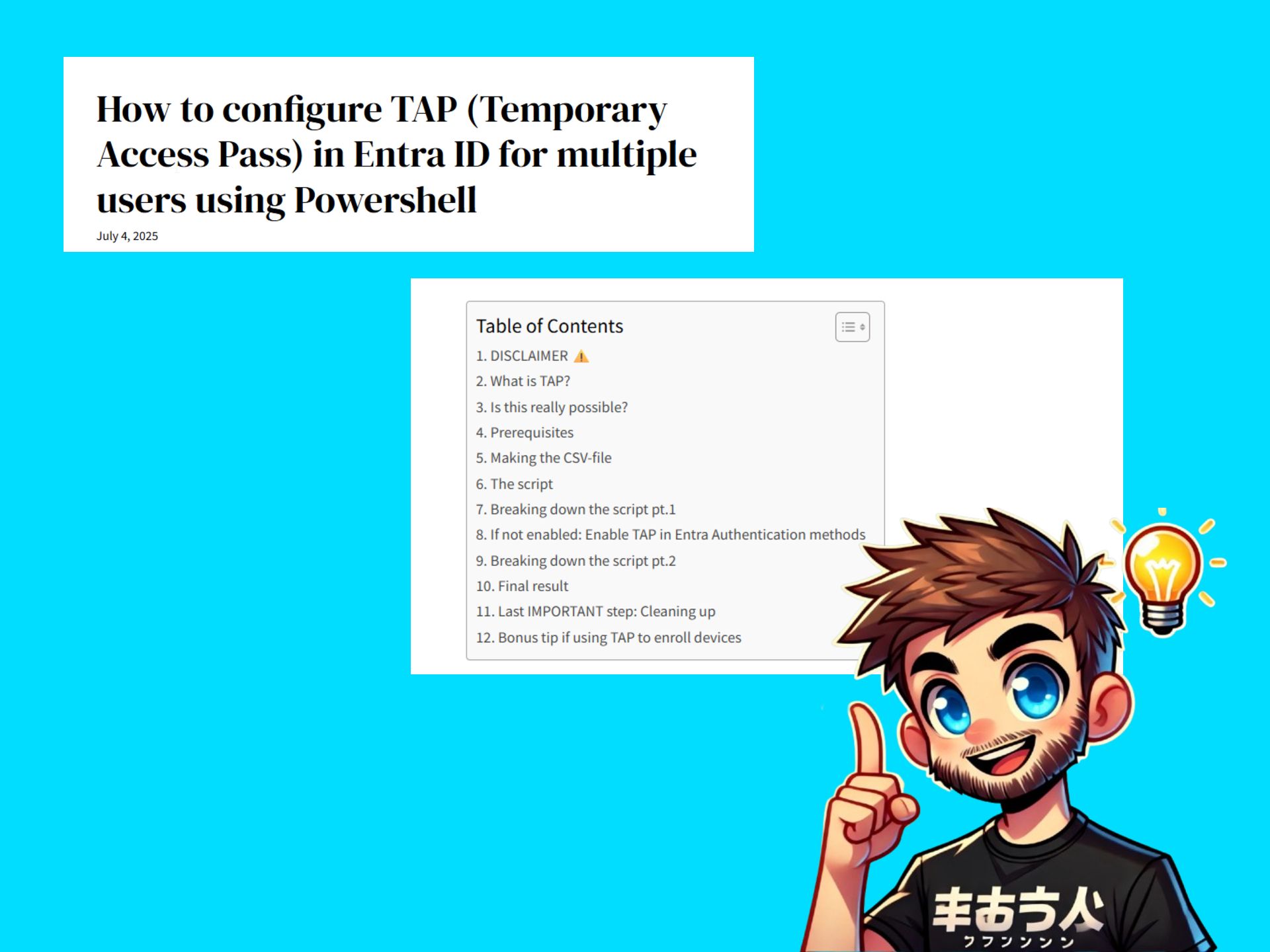
How to configure TAP (Temporary Access Pass) in Entra ID for multiple users using Powershell
TAP is a great feature to use for recovering accounts that have lost access to their MFA token, for onboarding new users to Autopilot or enrolling devices in Intune or perhaps to setup strong authentication like Yubikeys. However in Azure when assigning TAP you can only do it for one user at a time which…