Find all the latest posts below or search:
-

How to Find and Bulk-Replace Every MemberOf-Rule in Entra ID (Before the November 2026 retirement)
Just when we all got used to the feature of using the memberOf attribute in dynamic groups in Entra, Microsoft pulled the rug on us! Today I’ll show you how to find all groups with this attribute and how to bulk update them with a new rule. If you want to read the full message…
-
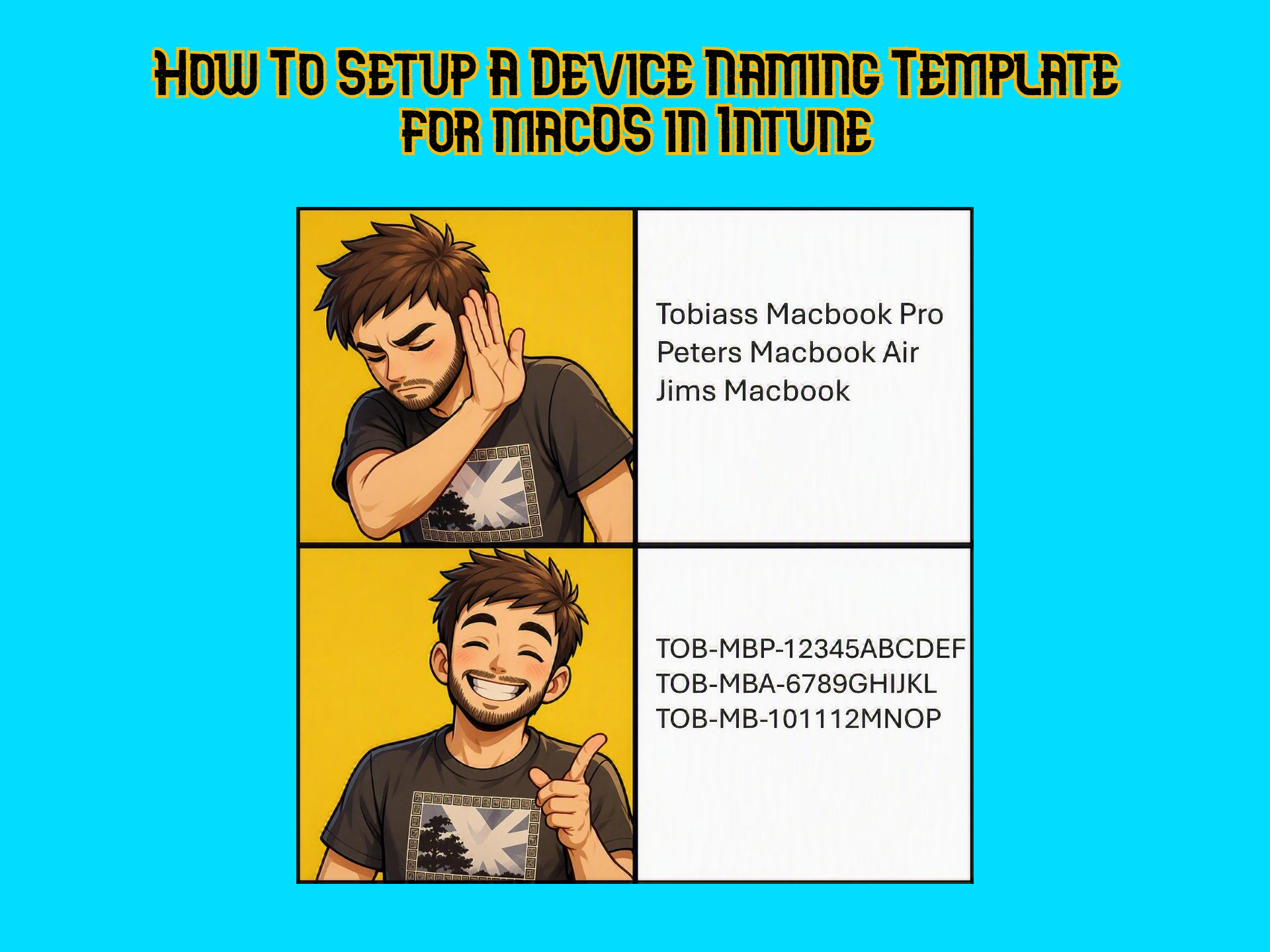
How To Setup a Device Naming Template for macOS in Intune
The device naming template in Autopilot for Windows is a no-brainer when setting up deployment profiles for customers. It helps with keeping track of devices, overall management and it gives a professional first expression when the device naming convention is following the same pattern. This seems like it should be available natively in Intune for…
-
How to Deploy OneDrive for macOS Silently via Intune (Known Folder Move, Full Disk Access and Background Services)
I’ve been falling down a rabbit hole of macOS management in Intune lately and it’s been a lot of fun! Today I will show you how to deploy OneDrive for macOS and give it all the right permissions to make it as silent as possible! Since my recent post about shortening the OneDrive Local Path…
-

The Big GPO to Intune Migration Guide: Planning, structuring, migrating and handling GPO Analytics ‘Incompatible’ Settings
In today’s post we’ll be going over how to migrate GPOs to Intune. From planning and cleaning, to thinking and structuring a bit, to using GPO analytics to do 1-to-1 migrations of GPOs, what to do when GPO analytics says that your GPO has 0% Intune capability (there is never 0% capability, right?). Buckle up,…
-

How To Shorten the OneDrive Sync Folder Name via Intune (Using Custom ADMX Policy)
I can’t be the only one to think that the default OneDrive path that includes the “OneDrive – CompanyName” is unnecessary long. I saw that a new policy was recently added at the bottom of the list in this article on Microsoft Learn called CustomSyncRootFolderName. While it is not available natively in Intune, I had…
-

How to Deploy Fonts via Intune (for Business Premium Users)
In today’s post I will be walking you through how to deploy fonts in Intune using a Powershell script packaged as a Win32 app with the fonts you wish to deploy. This feature is not available natively in the Intune portal if you are on a P1 license so this is a really useful solution.…