Category: Intune
-
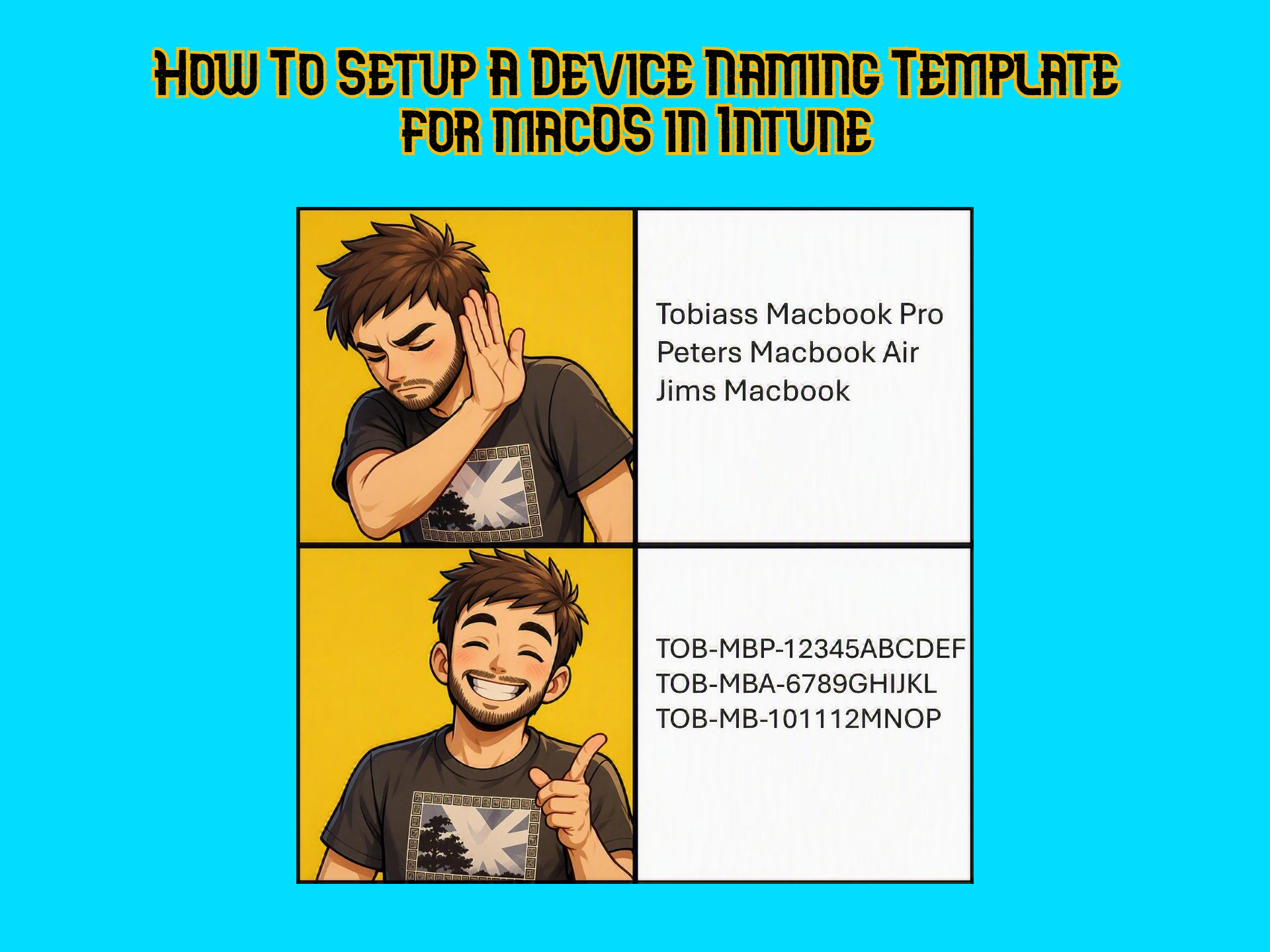
How To Setup a Device Naming Template for macOS in Intune
The device naming template in Autopilot for Windows is a no-brainer when setting up deployment profiles for customers. It helps with keeping track of devices, overall management and it gives a professional first expression when the device naming convention is following the same pattern. This seems like it should be available natively in Intune for…
-
How to Deploy OneDrive for macOS Silently via Intune (Known Folder Move, Full Disk Access and Background Services)
I’ve been falling down a rabbit hole of macOS management in Intune lately and it’s been a lot of fun! Today I will show you how to deploy OneDrive for macOS and give it all the right permissions to make it as silent as possible! Since my recent post about shortening the OneDrive Local Path…
-

The Big GPO to Intune Migration Guide: Planning, structuring, migrating and handling GPO Analytics ‘Incompatible’ Settings
In today’s post we’ll be going over how to migrate GPOs to Intune. From planning and cleaning, to thinking and structuring a bit, to using GPO analytics to do 1-to-1 migrations of GPOs, what to do when GPO analytics says that your GPO has 0% Intune capability (there is never 0% capability, right?). Buckle up,…
-
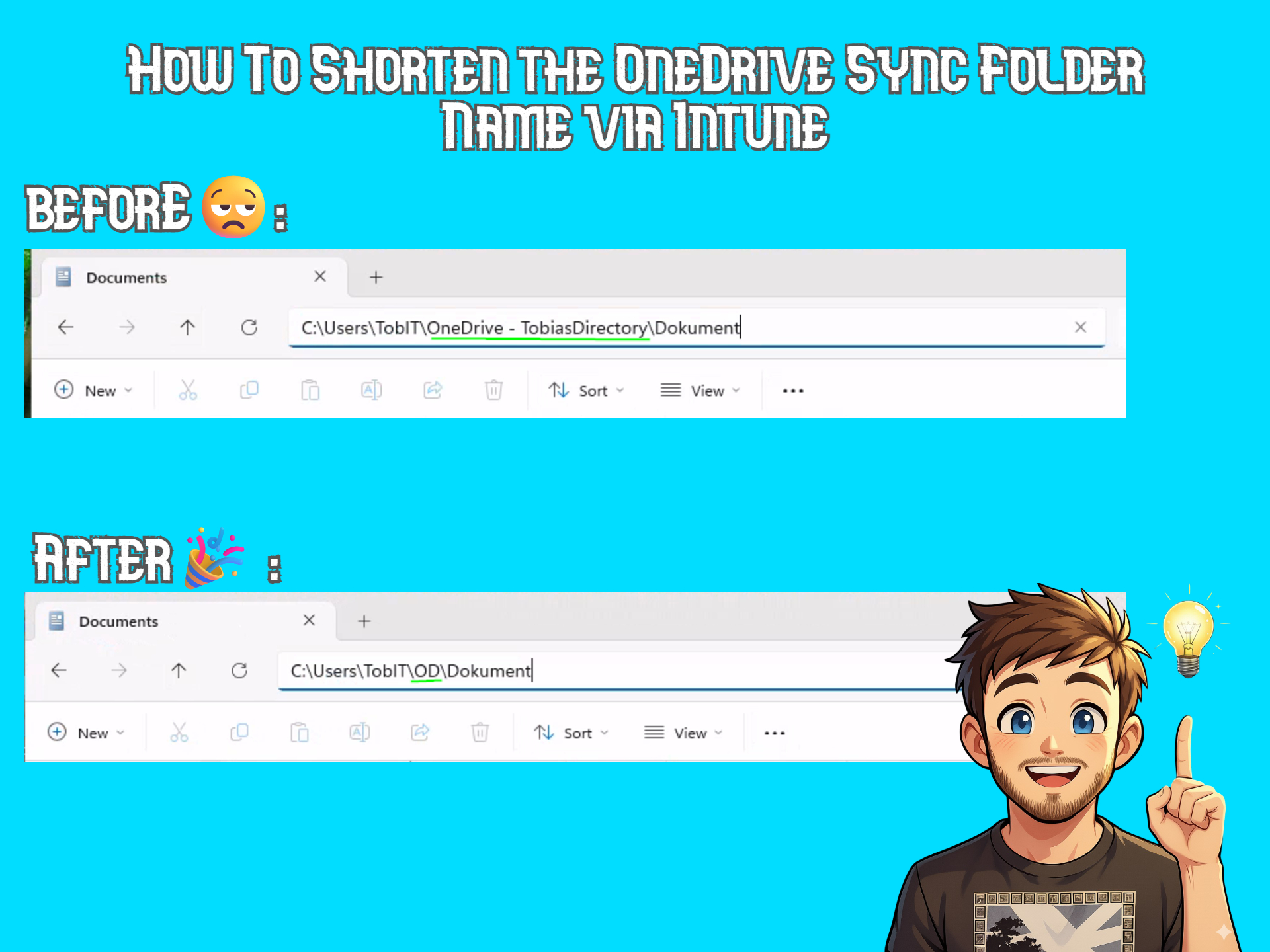
How To Shorten the OneDrive Sync Folder Name via Intune (Using Custom ADMX Policy)
I can’t be the only one to think that the default OneDrive path that includes the “OneDrive – CompanyName” is unnecessary long. I saw that a new policy was recently added at the bottom of the list in this article on Microsoft Learn called CustomSyncRootFolderName. While it is not available natively in Intune, I had…
-
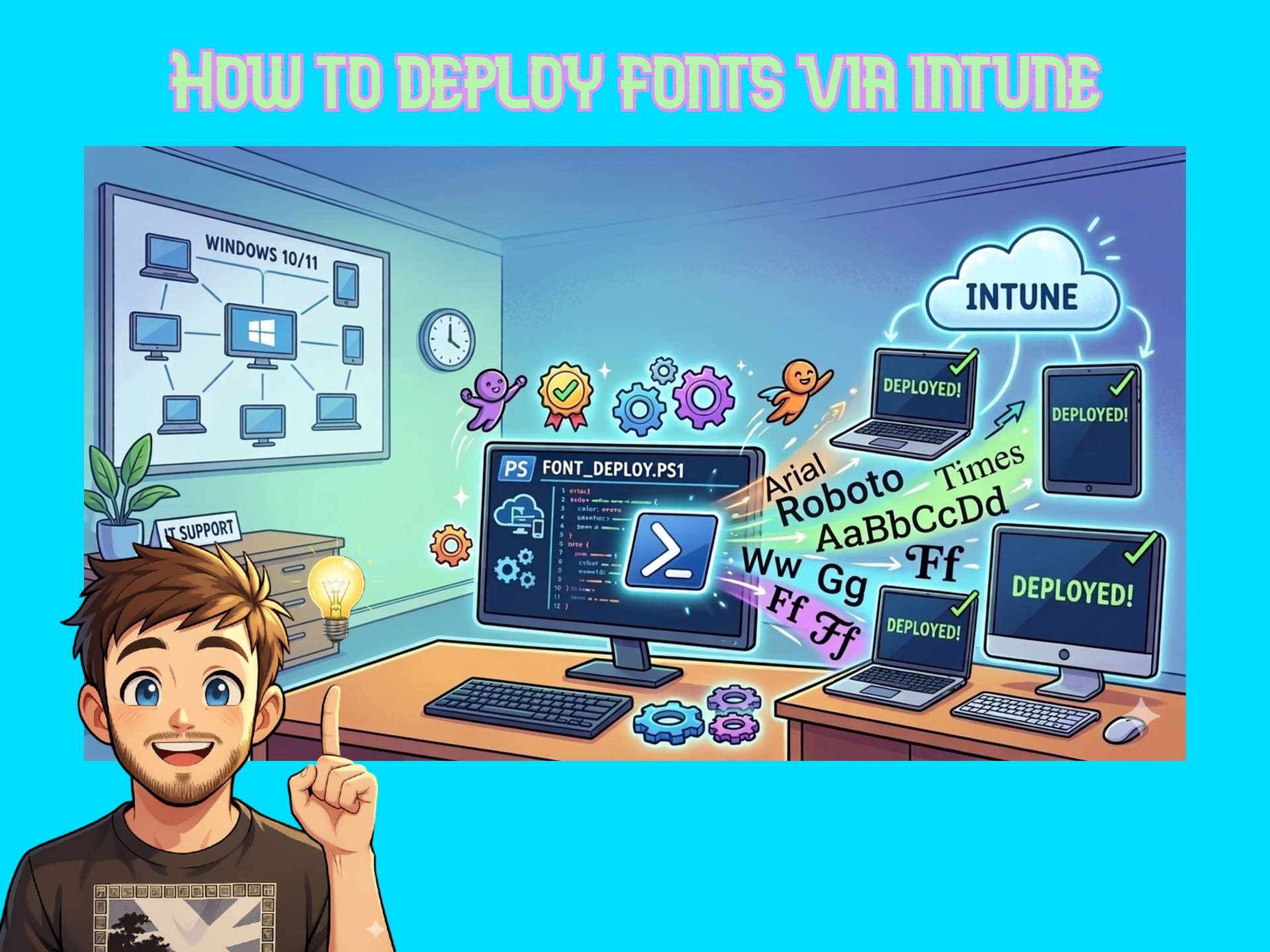
How to Deploy Fonts via Intune (for Business Premium Users)
In today’s post I will be walking you through how to deploy fonts in Intune using a Powershell script packaged as a Win32 app with the fonts you wish to deploy. This feature is not available natively in the Intune portal if you are on a P1 license so this is a really useful solution.…
-

Secure Score in Microsoft 365 with Business Premium: Quick and easy changes to up your score by ~40% (+ Powershell script for Teams and Exchange Online)
Trying to increase the secure score in Microsoft 365 can be a real time consuming task when adjusting each recommendation manually. Luckily, there are some really easy changes you can make to take your tenant security to the next level and also increase your secure score. I also decided to utilize the power of Powershell…
-
The Complete Lifecycle of SharePoint Sync in Intune: Add it, Accelerate the sync from Intune, Remove it- and How It Compares to ‘Add Shortcut to OneDrive’
The Sharepoint sync has been a hot topic for quite some time. It’s bulky, slow and yet a lot of users and organizations still request it and wants to use it. Today we’ll briefly go over the pros and cons of sync vs shortcut in OneDrive. If you still choose to go for the Sharepoint…
-

Configure a custom message on the Login screen in Intune (for Windows and MacOS)
I recently configured a platform for MacOS in Intune with a bunch of standard policies. One of them was a nice login window banner setting in a Device features policy. On Mac we have this nice feature that makes it possible display a custom banner on the login screen (for example Company name and a…
-
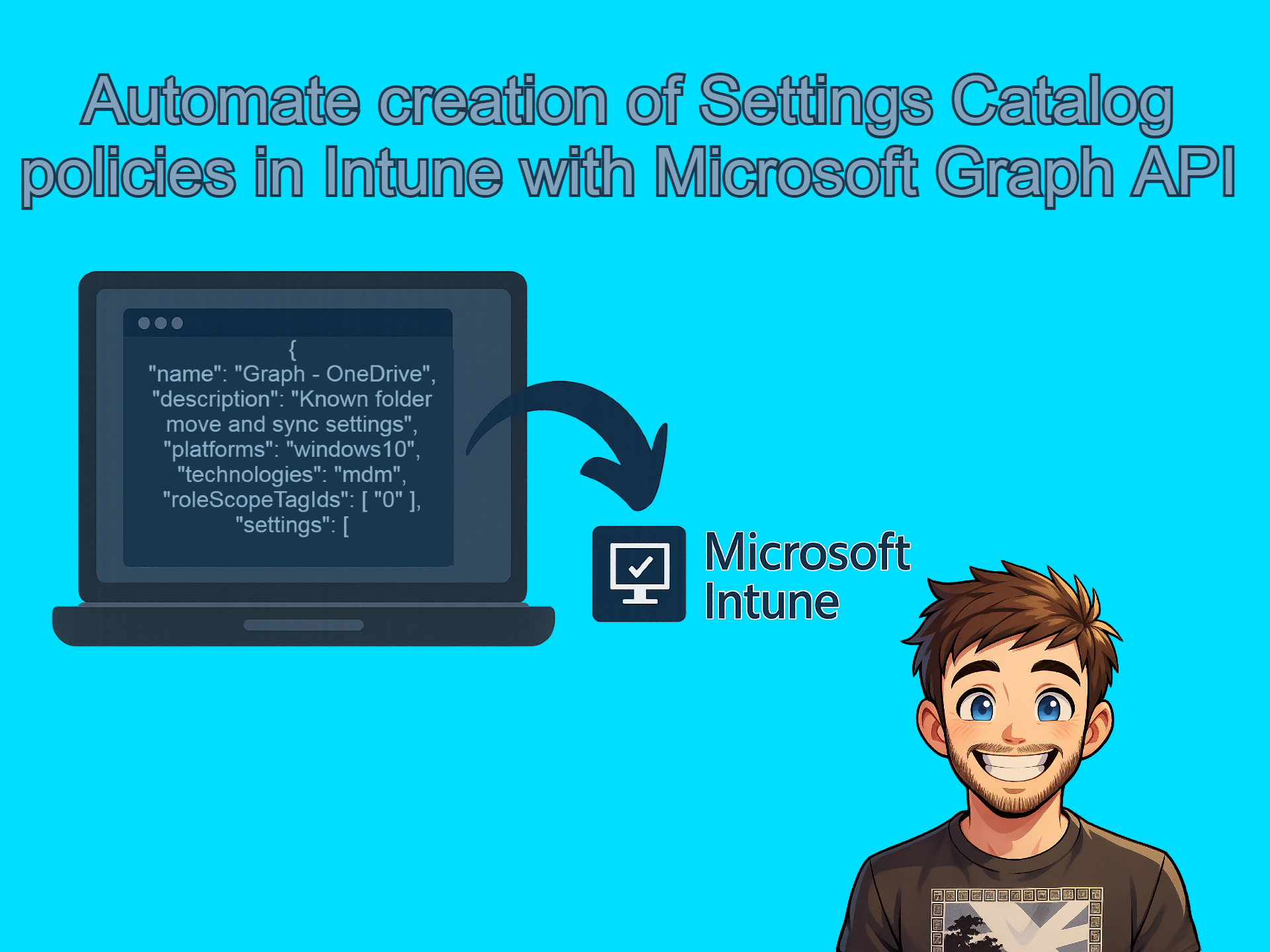
Automate creation of Settings Catalog policies in Intune with Microsoft Graph API
I have been getting really into the using the Graph API lately and let me tell you, once you open that door there is no going back. Below is what we’ll be covering in today’s post. Creating the reference policy in Intune In order to get the JSON file that we need to automate the…
-

Setting up and trying the new Windows Backup for Organizations in Intune (with video) and how to make it a more “complete” backup solution.
Recently the Windows Backup and Restore (preview) showed up in preview in the Intune portal. When I first heard about it I was like “This is really cool!” and then when I understood what it actually was I was like “Hmm… is this just crap?” and then I thought about it some more and went…